Çok eski bir web tarayıcısı kullanıyorsunuz. Bu veya diğer siteleri görüntülemekte sorunlar yaşayabilirsiniz.. Tarayıcınızı güncellemeli veya alternatif bir tarayıcı kullanmalısınız.
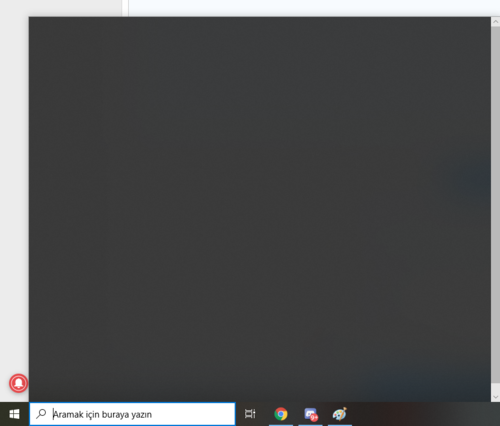
Başlıkta da yazdığı gibi 'Aramak için buraya yazın' sekmesine bastığımda önceden çalışıyordu ancak şu an siyah ekran ve düzeltemedim çözümü bilen var mı?
Dünden beri böyle bir sorun var. Reddit ve forumlarda bazı çözüm önerileri var. Aşağıdaki Reddit'ten.
Edit - It should be resolved now, you shouldn't need to adjust anything in your registry, please just reboot your PC and try again.
Given the volume of people reporting this in a short period of time, the issue is likely server side. I wouldn't do anything about it at this time, the issue should resolve itself soon.
If you really must have a working search before then, you can disable the online search feature. By default, search mixes offline and online results, and the issue is with the online portion. You just need to change or create a pair of registry keys
• Run Regedit.exe
• Browse to HKEY_CURRENT_USER\SOFTWARE\Microsoft\Windows\CurrentVersion\Search
• Look for "BingSearchEnabled", if you don't see it you will need to create it, just right click in a blank area and pick New DWORD 32 bit. Type in BingSearchEnabled
• Double click on BingSearchEnabled and set it to 0 and press OK.
• Do the same steps for CortanaConsent, if you don't see it, create a DWORD 32 bit, again set it to 0.
• Reboot.
Here are pictures and more details on each step. There is also a zip file you can download that has the registry keys so if you are not comfortable messing with the registry you can run that instead. How to Disable Bing in the Windows 10 Start Menu
To undo this after Microsoft fixes the issue, just delete the two registry keys we created, or change their values from 0 to 1.